How To Shorten URLs on Airtable
Quick Start: Install URL Shortener (Airtable Extension)
What You Need
- Access: An Airtable base with edit permissions.
- Extension Capability: Ability to install extensions on your Airtable base.
Preparing Your Base
- Access Your Base: Open your existing Airtable base or skip this if you already have one ready.
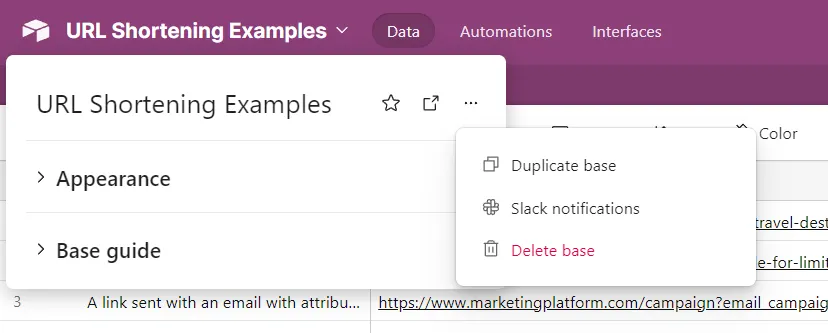
- Duplicate Base: If needed, make a personal copy for full rights:
- Navigate to the base name, click on it, select Duplicate base from the menu.
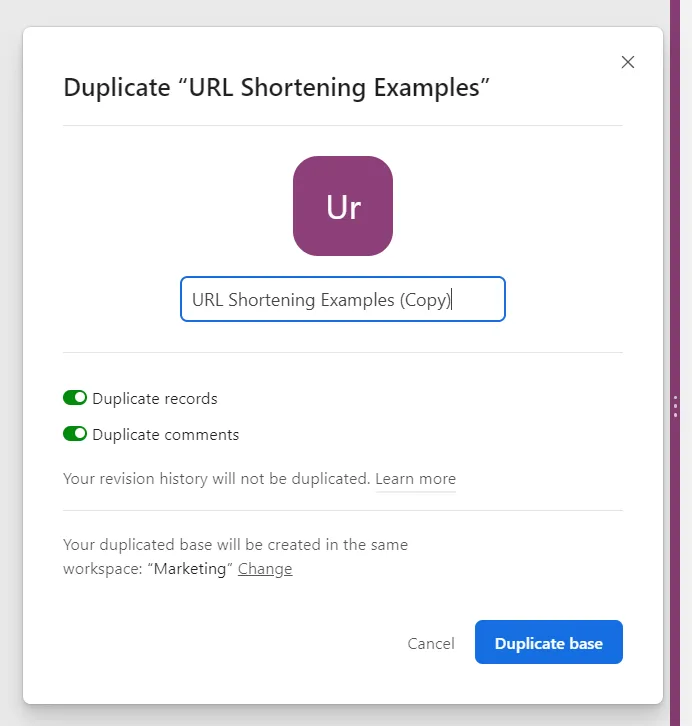
- Ensure you also duplicate the records.
- Navigate to the base name, click on it, select Duplicate base from the menu.
Install the Extension
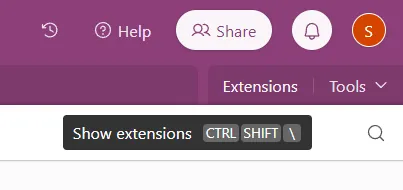
- Open the Extensions menu from the top right corner.
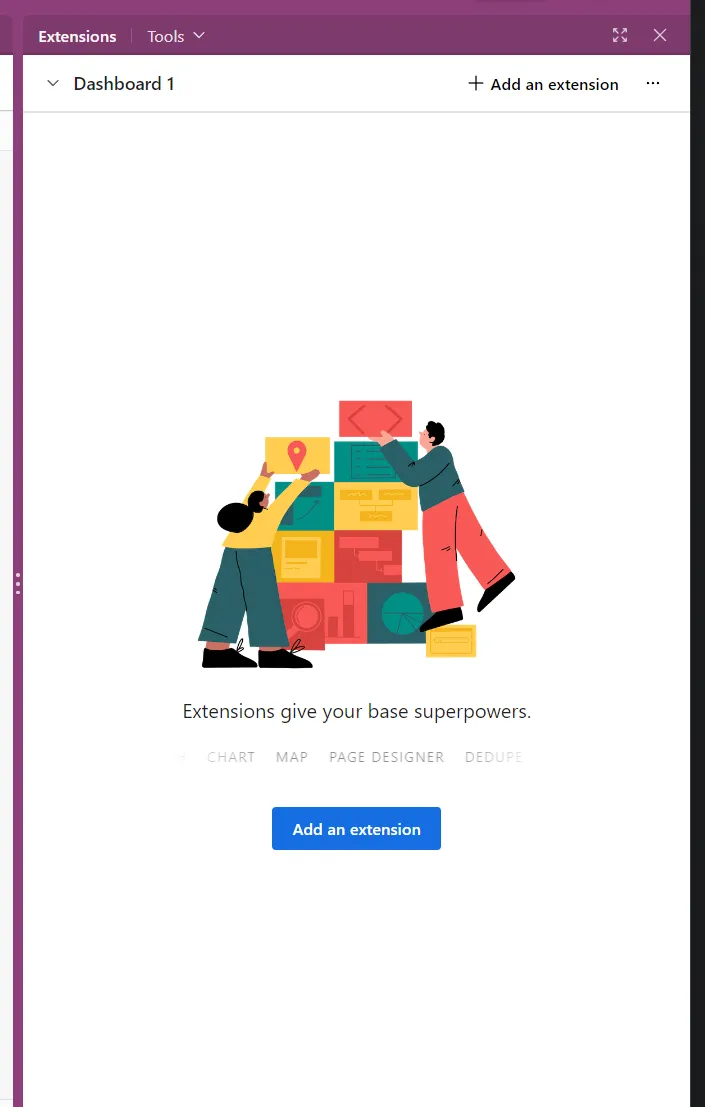
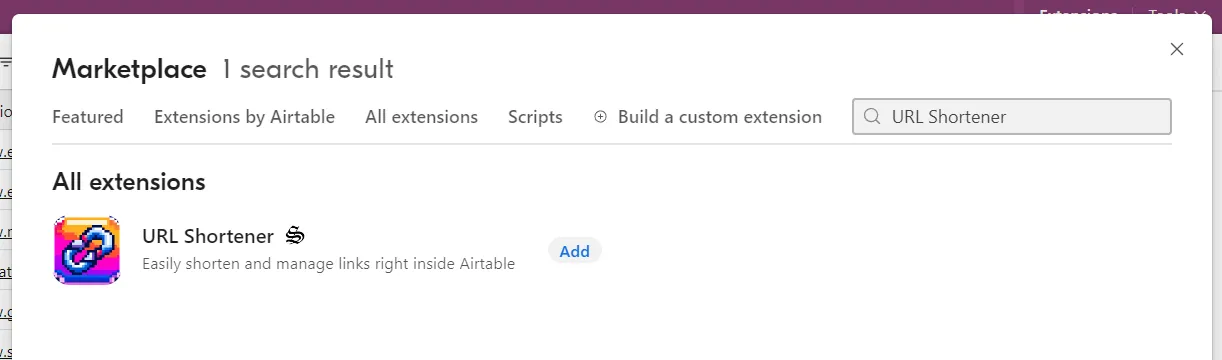
- Click Add Extensions and search for “URL Shortener”.
Authenticate with Airtable
- Permission Grant: Immediately after installation, authenticate to allow the app to write to your table.
- Click on Authenticate with Airtable.
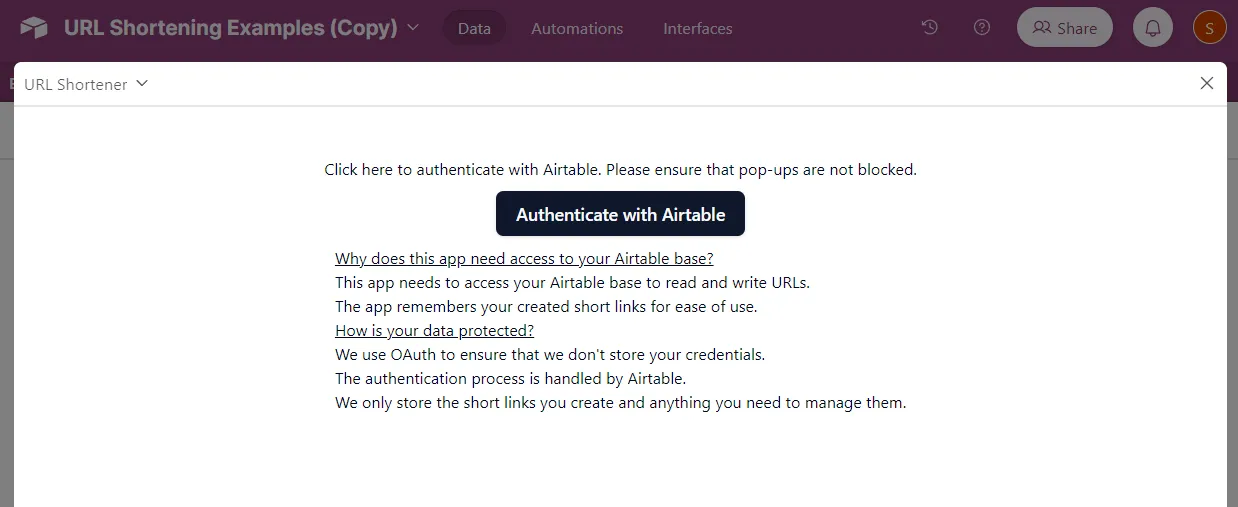
- Choose the bases to grant access and confirm.
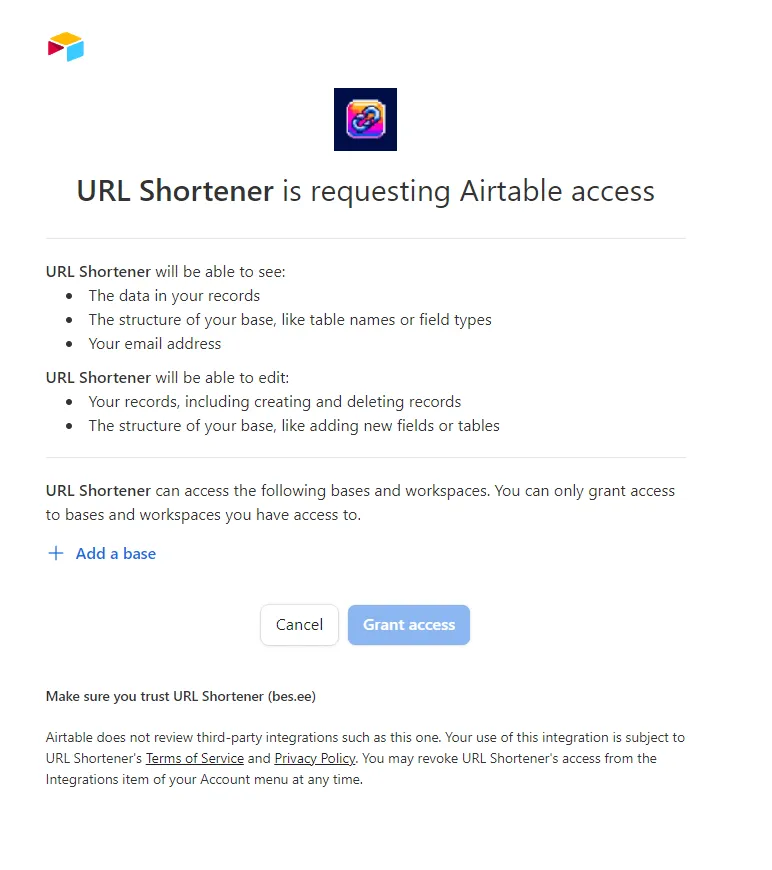
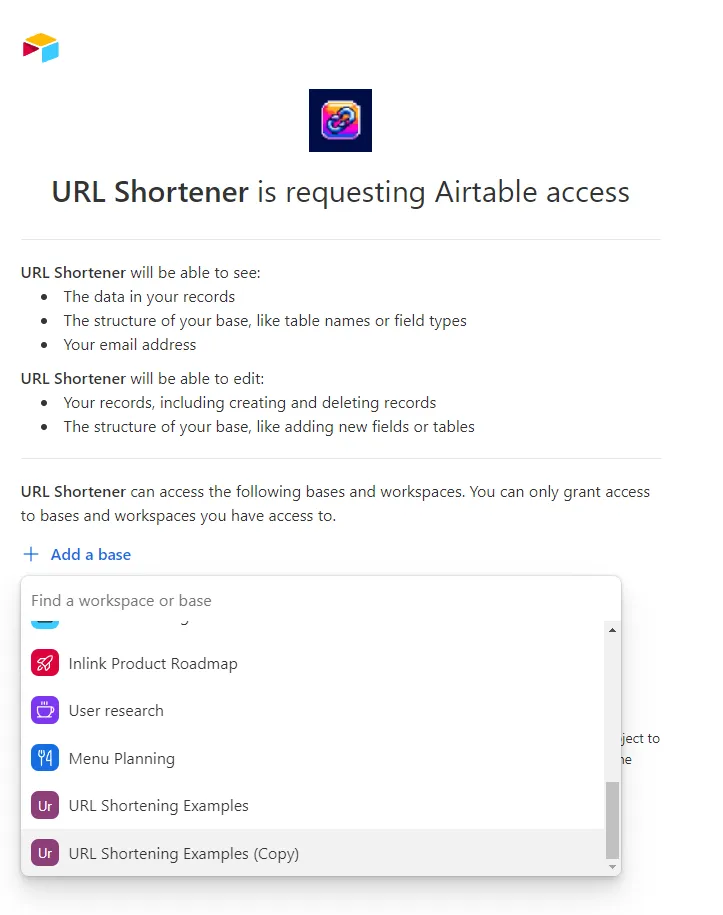
- Click on Authenticate with Airtable.
Using the Extension
- Configuration: Post-installation, close the full-screen mode of the app to dock it on the side.
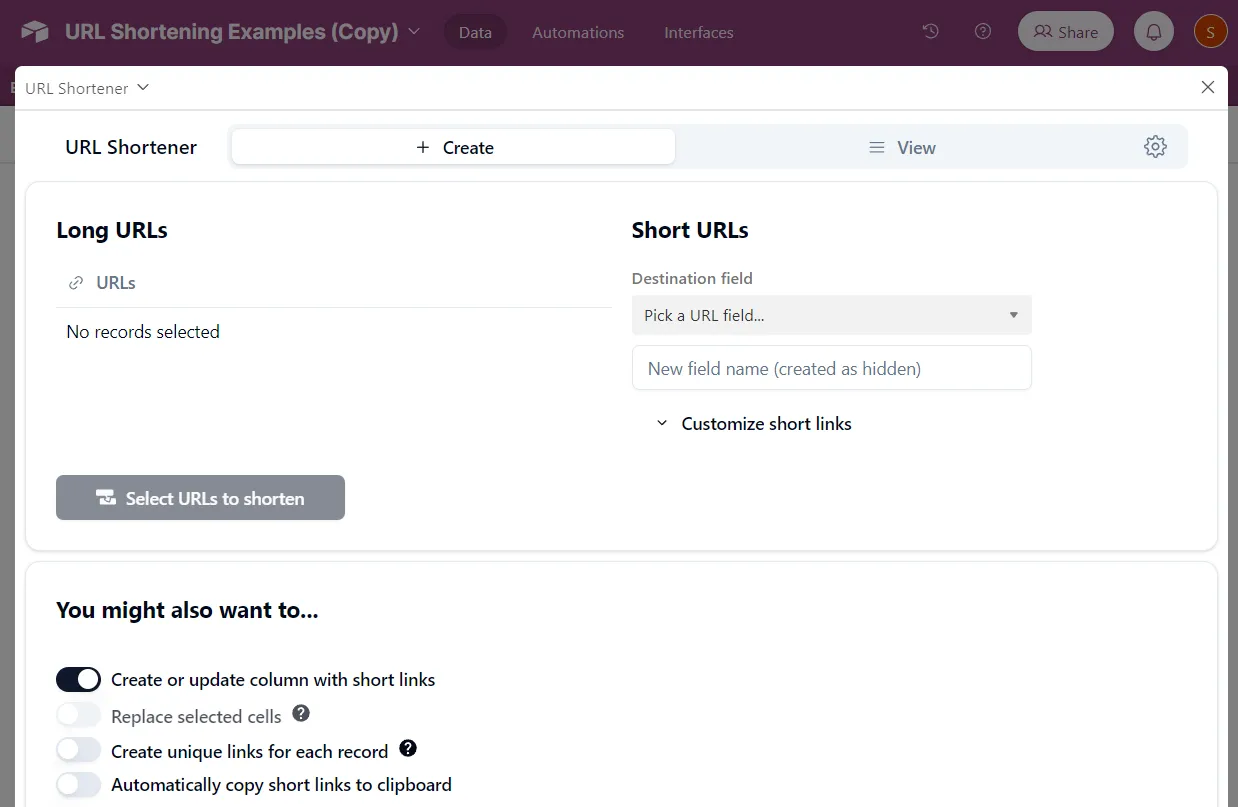
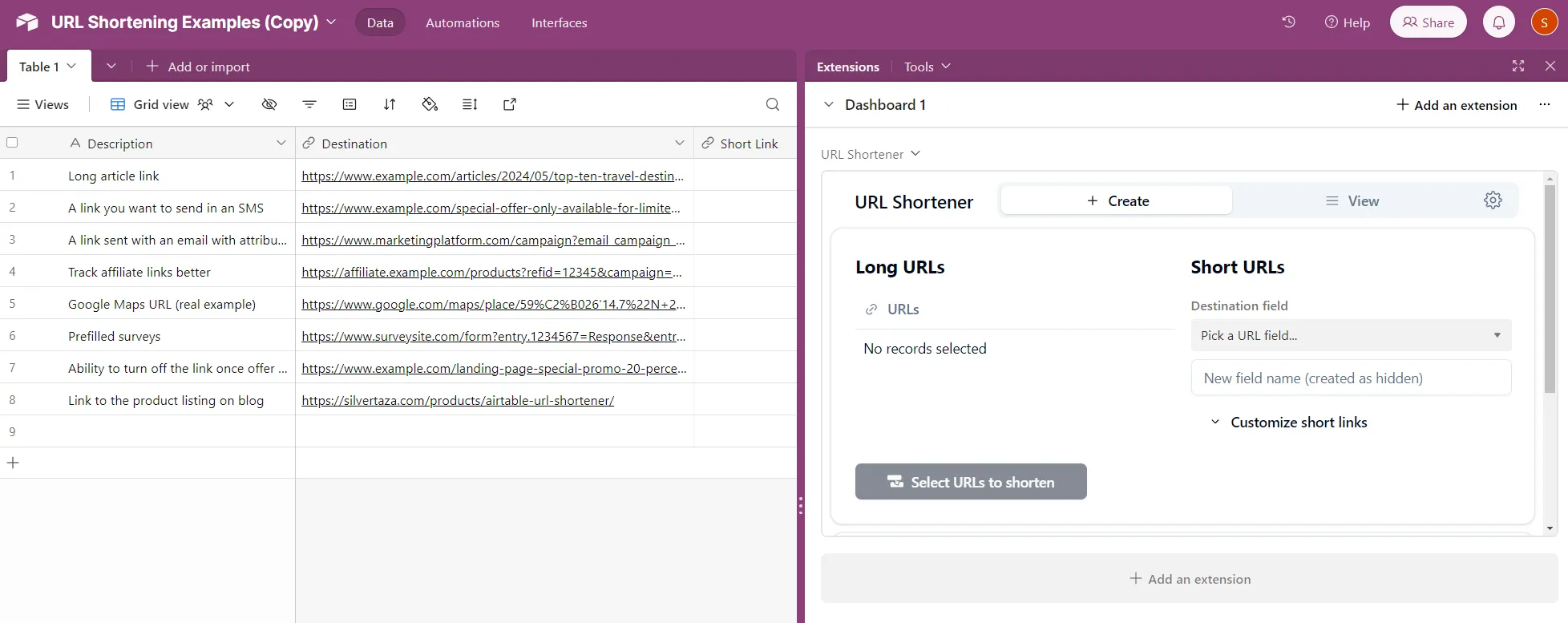
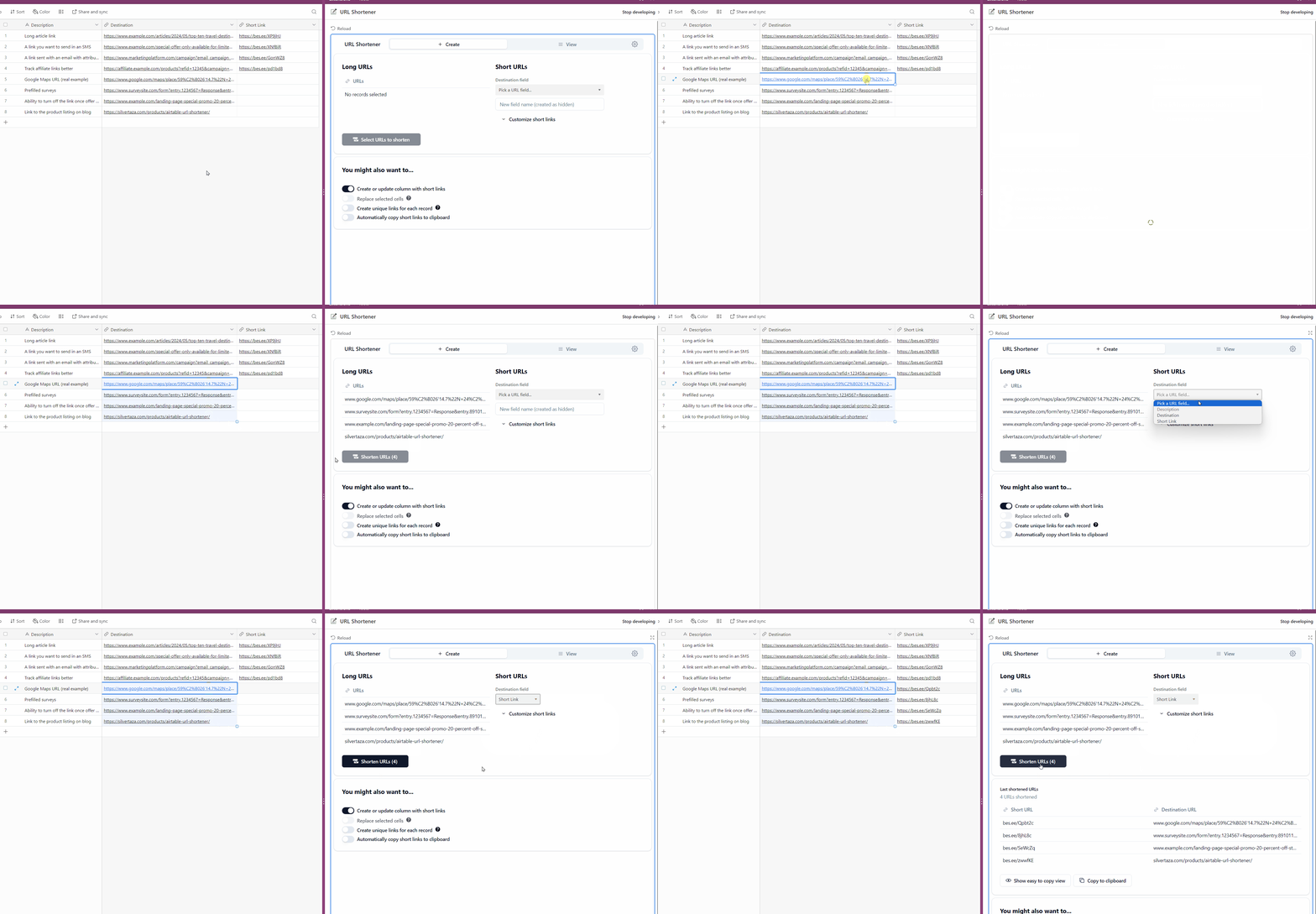
- Shorten URLs:
- Select the URLs you want to shorten.
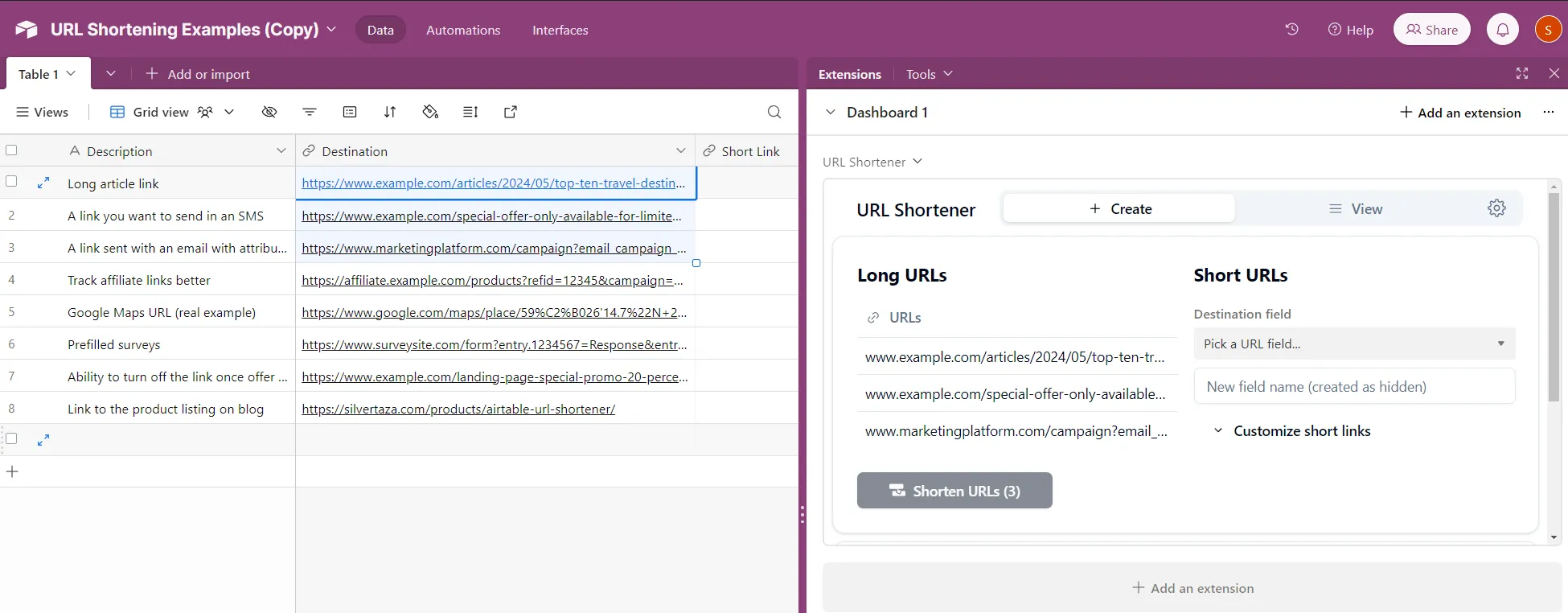
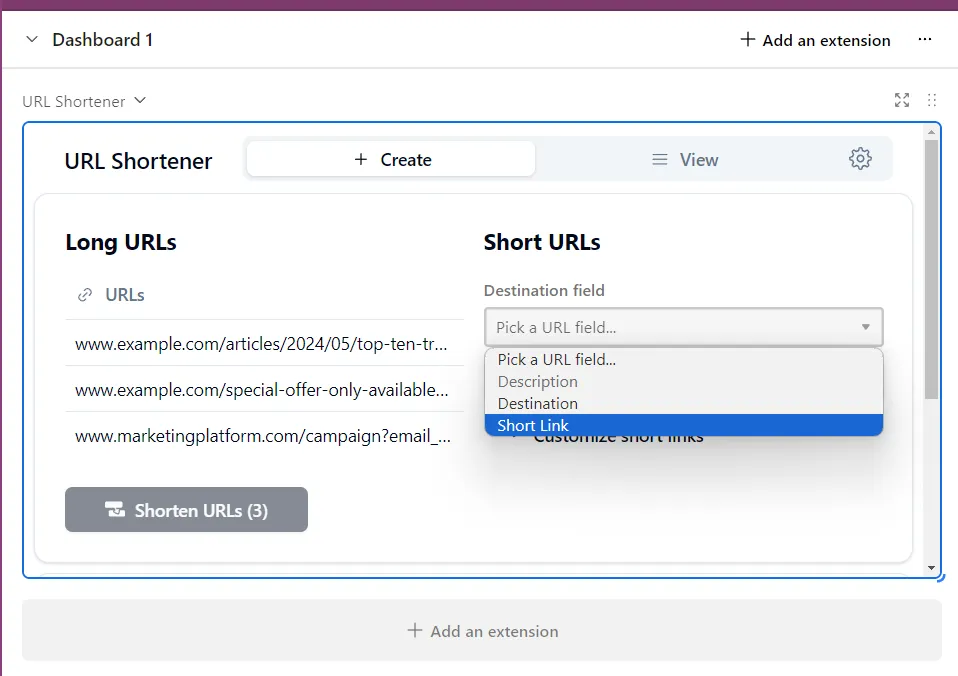
- Specify the output column for the shortened URLs.
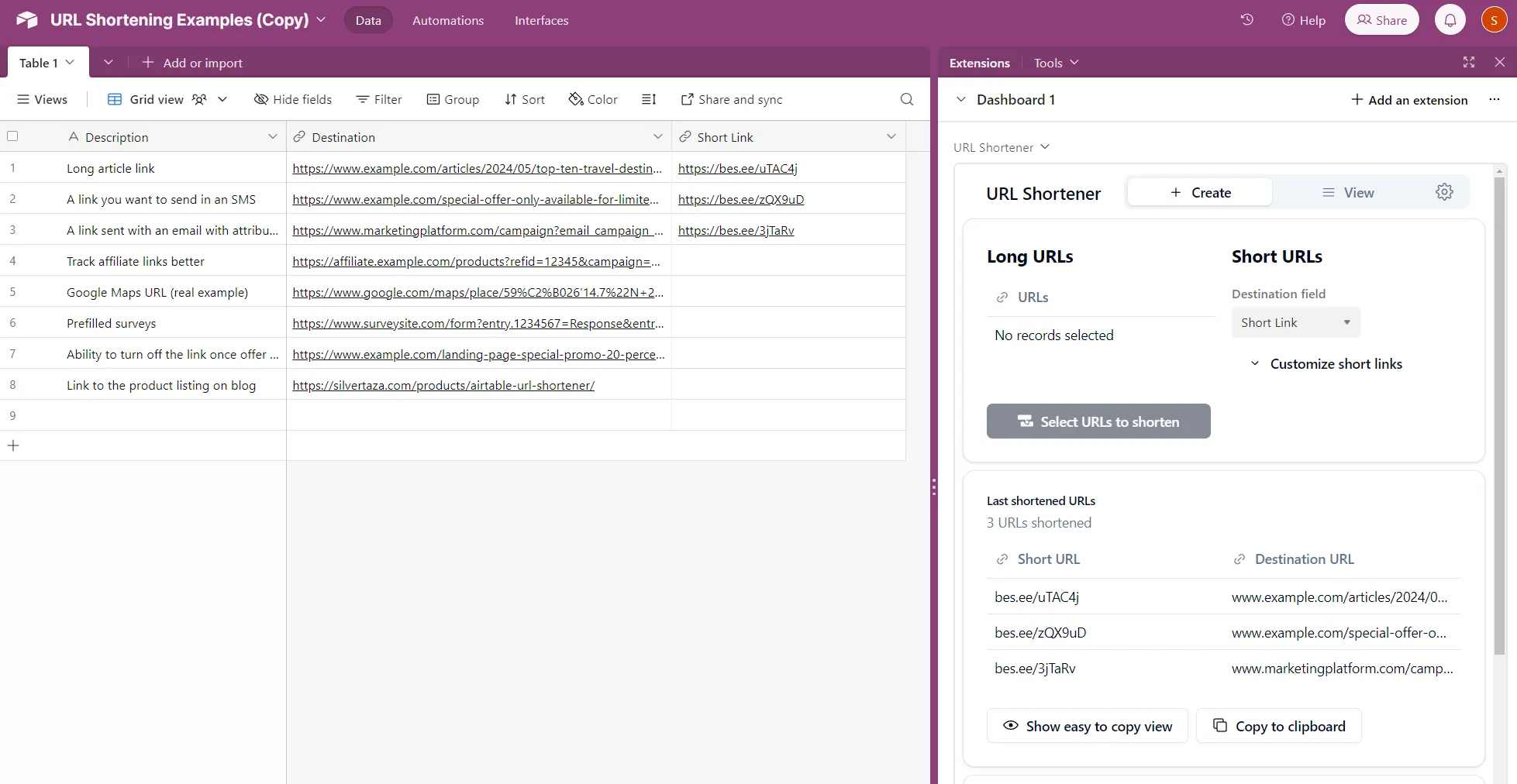
- Click on Shorten URLs button.
- Select the URLs you want to shorten.
Final Steps
- View Results: Check the analytics of each URL in the view tab.
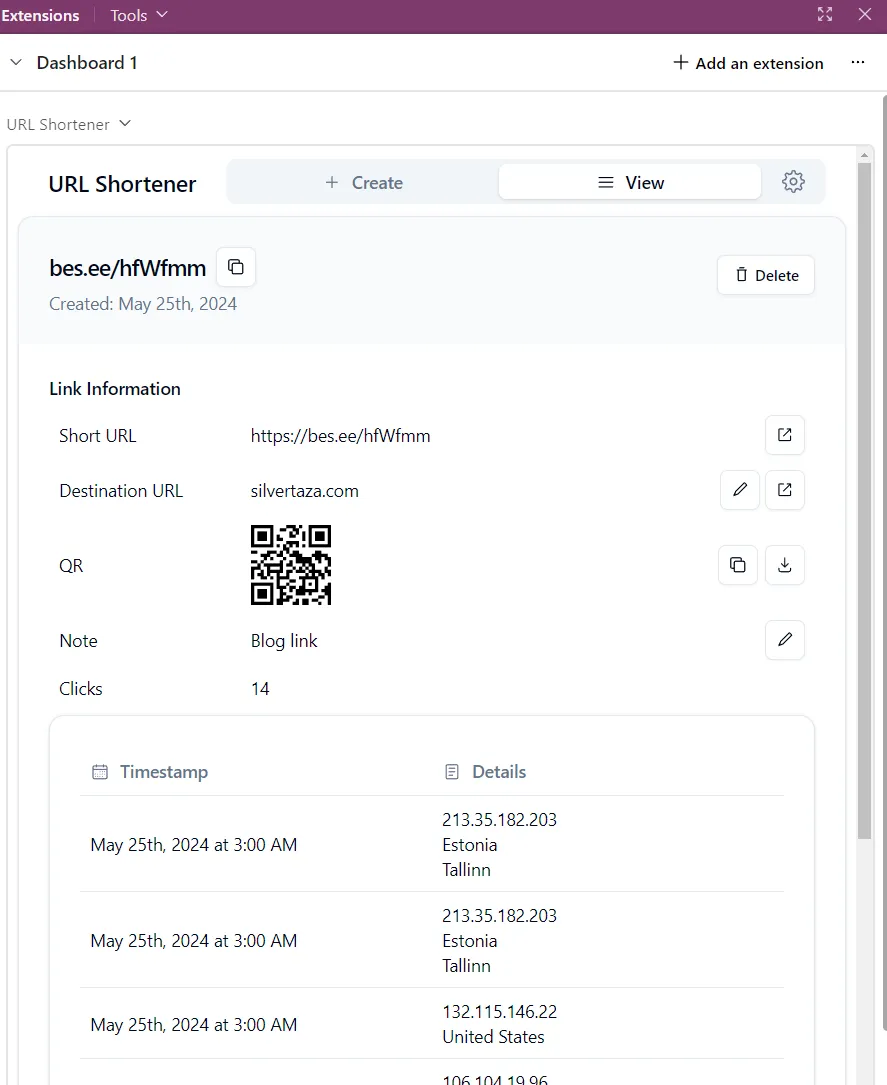
- More details are available on the Airtable marketplace listing page for URL Shortener.